Digital menu launch for a new restaurant
Open with a menu that works.
Turn your source menu into a branded page. Review it, publish, and share one link and QR before opening day.
- Source to live menu
- Put your menu on Google.
- Your menu in more languages.
Start from menu photos or a PDF. Nothing goes live without your approval.
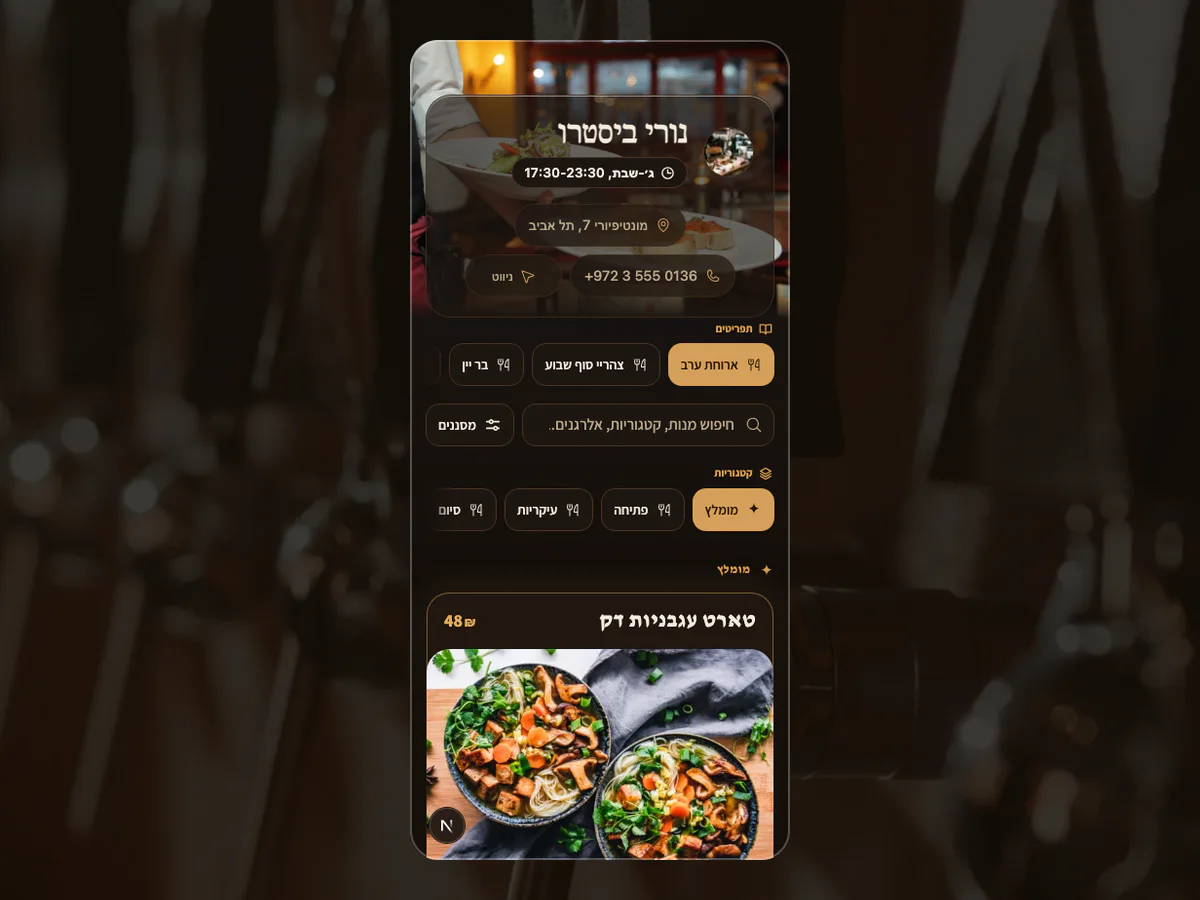 Fictional restaurants · MenuAsk demosOne controlled launch journeySource → owner review → live menu → share
your-restaurant.menuask.com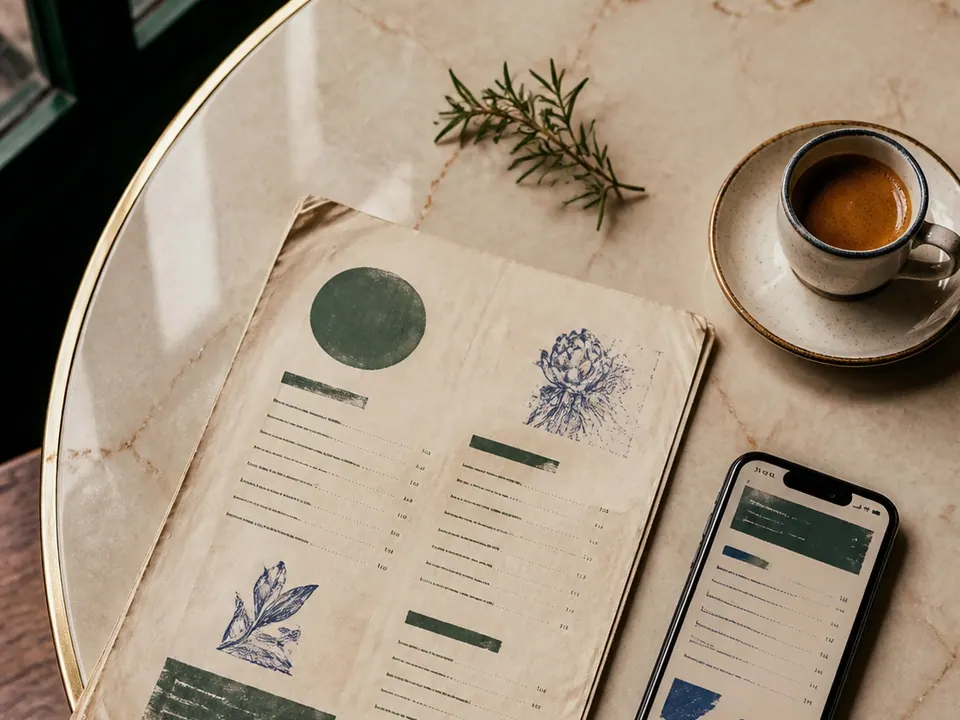
01Bring the source
Add the menu photos or PDF you already prepared.
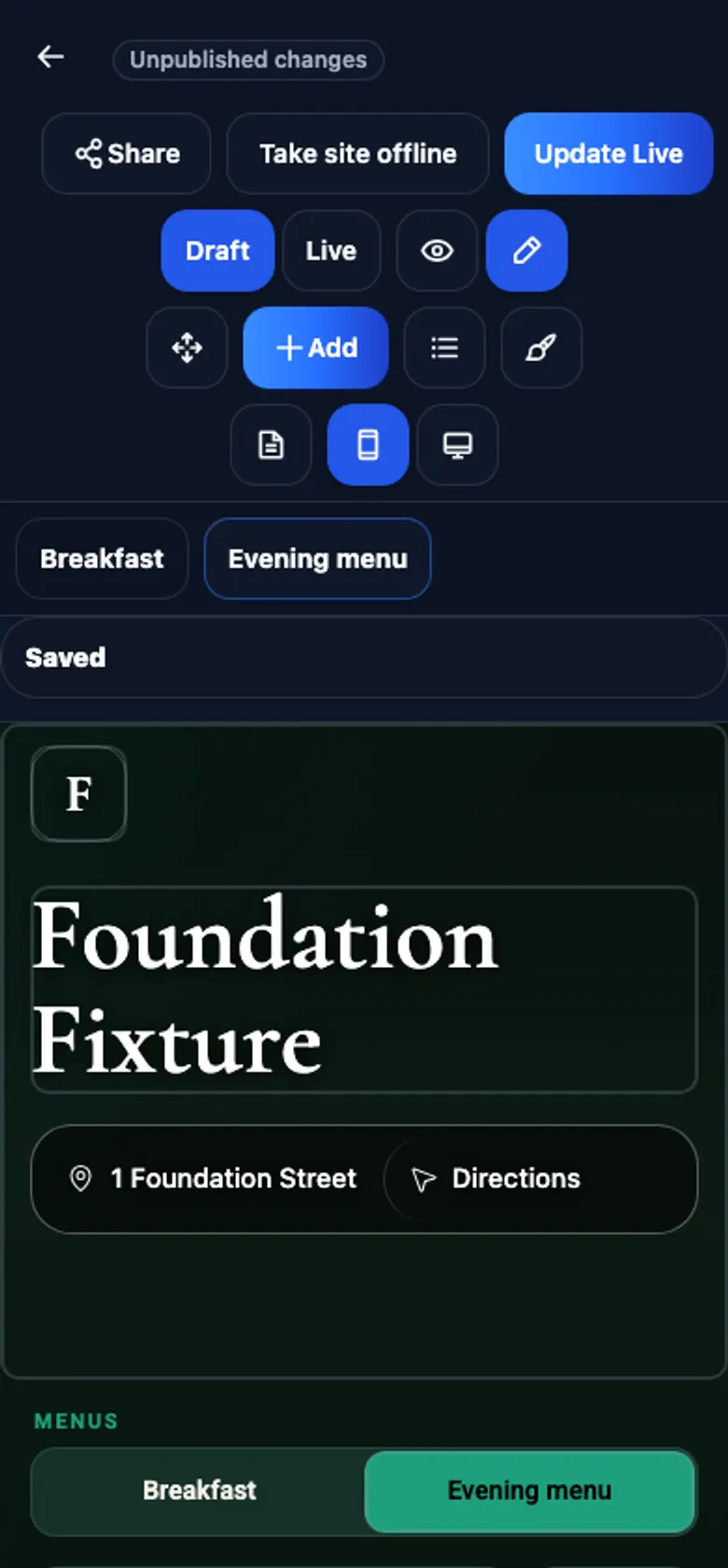
02Review the draft
Check structure, dishes, prices and languages in private.
03Go live once
Approve one branded menu for Google, sharing and QR.
Before MenuAskOpening materials, not a system
Temporary launch files become the stale versions guests find later.
- A PDF passed between suppliers
- A social image with no current link
- A QR destination chosen in a rush
Durable launchOne menu you keep
One approved live page is ready for guests and discovery.
- Branded mobile menu at one stable link
- Ready to link from Google
- Ready for language tabs, sharing and QR
Your menu link is ready for your website, social profiles and Google Business Profile.
Launch my menu→- 01
Launch one destination
Use one branded menu address on Google, social, messaging and every QR.
- 02
Welcome every guest
With Pro, create AI translation drafts for supported menu languages. Review and publish.
- 03
Stay useful after launch
Make later edits in Menu Studio. Review and publish at the same link.
Your menu link is ready for your website, social profiles and Google Business Profile.
FreeFreePublish, edit and share your menu for free.
Pro₪99 / monthAI tools for your menu and guests. Tax included. Per workspace billing month.
5 AI menu tasks · 20 AI image tasks · Usage details
New restaurant menu questions
Launch once. Keep improving.
Launch with one durable guest destination instead of temporary files you replace after opening.
What do I need before we start?
Menu photos or a PDF are enough to begin. MenuAsk turns the source into a structured draft for your review.
Can I review the menu before opening?
Yes. Review the complete menu privately, including prices and languages, and approve it before the public page goes live.
Will the menu be ready for Google?
Yes. Publish your menu, then add its link to your Google Business Profile using the sharing guide.
Your durable first menu
Open with one link that lasts.
Bring the source menu you have now. Leave with one approved page for Google, sharing and every table QR.
Launch my menu→Need a hand?Free to start · Pro ₪99 per workspace billing month · tax included


