Give guests a menu that works on their phone.
Find your restaurant, add clear menu photos or a PDF, and review a private mobile menu before anything goes live.

Choose the exact place from Google Maps.
Preparing your private setup…
Preparing your private setup…- No sign-up to start
- Private until you approve
- Free to publish
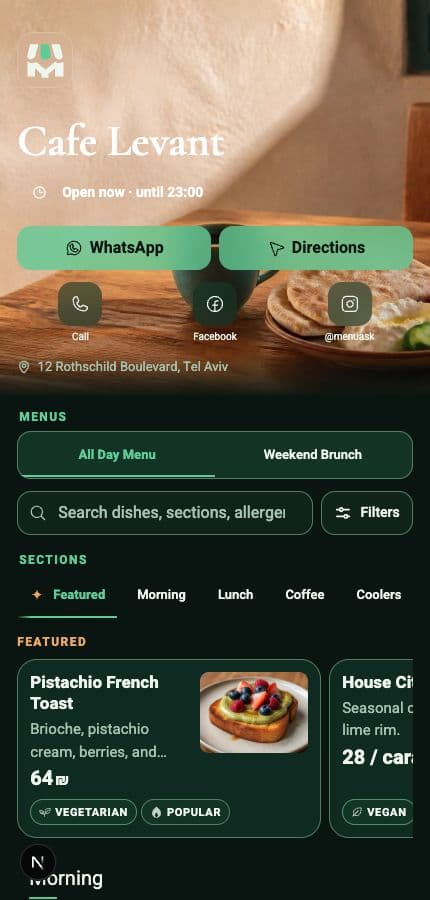
Demo restaurant · Real MenuAsk guest view
- Made for phonesClear from the first tap.
- Quick edits. Same QR.Change prices, dishes, or availability. Review and publish.
- QR readyDownload it and share it anywhere.
- Owner approvedNothing goes live before you decide.
How it works
From your current menu to a live one in three steps.
Start with what you already have. Your draft stays private until you are ready.
- 01
Find your restaurant
Choose the exact place, then add menu photos or one PDF.
Google Maps · Photos · PDF - 02
Review privately
Check every section, dish, price, and image.
Private until approved - 03
Publish and share
Use one stable link and QR. Edit and publish again when needed.
One link · Same QR
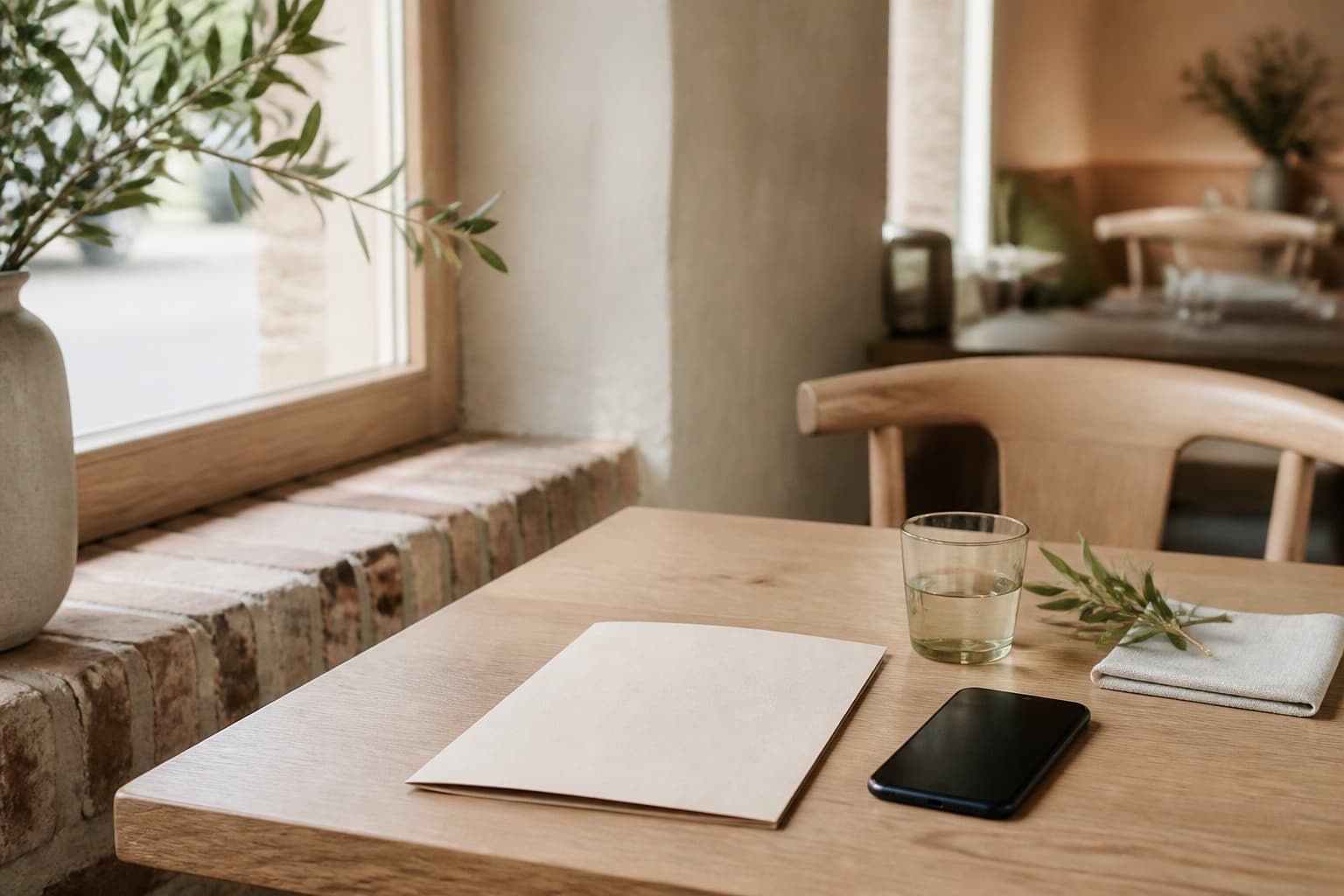
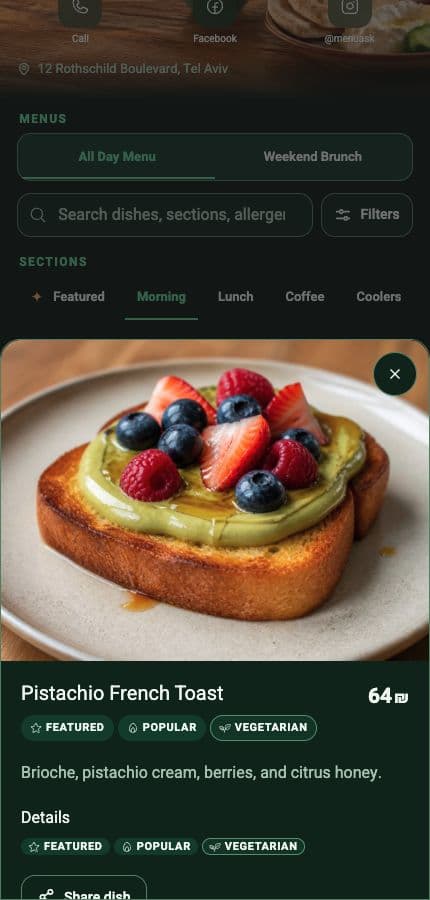
Guest menu
One menu guests can actually use.
Clear sections, quick search, useful dish details, and restaurant actions — built for the phone already in their hand.
- No app required
- Fast search and browsing
- Clear prices and dish details
- Contact and directions in one place
Simple pricing
Publish free. Save time with Pro.
A menu that looks good and is easy to manage.
Free
No payment details
Your menu, ready for guests.
- Mobile menu and QR
- Quick menu updates
- Your logo and photos
- Menus and schedules
- Views and guest clicks
- AI menu translations
- AI dish images
- AI help for guests
- More AI menu imports
Questions
Is publishing really free?
Yes. Publishing, manual updates, the public link, and the QR stay Free. Payment starts only after a Pro checkout.
Will MenuAsk publish without me?
No. Imported or AI-assisted work stays private until you review and publish it.
Can I update the menu later?
Yes. Edit the draft and publish again. The public link and QR stay the same.
Do guests need an app?
No. The menu opens in a normal phone browser.
Start with your restaurant.
Choose the exact place and add your menu right here.