QR and daypart menus for cafés and bakeries
Change dayparts, not links.
Move from morning to lunch, mark sold-out bakery items and keep the same menu on Google, social links and every table QR.
- Morning to lunch in one menu
- Quick edits. Same QR.
- The same link and QR
One current menu. The same QR. You approve every change before it goes live.
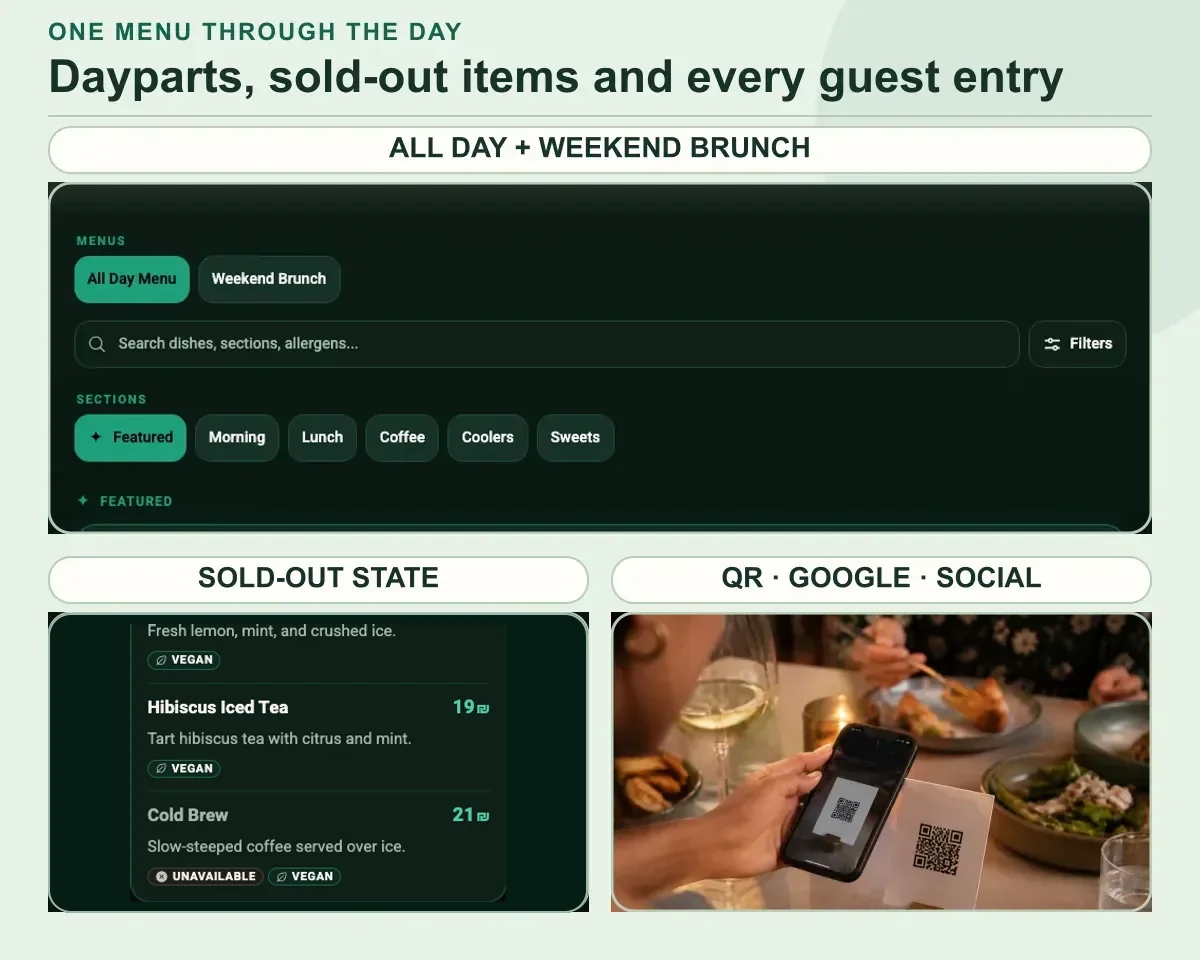 Fictional restaurants · MenuAsk demosThe current café menu journeyDayparts · unavailable state · QR entry
your-restaurant.menuask.com
Scattered updatesGuests piece the day together
A social post can announce a change, but it is not the current menu.
- Yesterday’s image stays in the feed
- The QR opens a different version
- Google still shows an old daypart
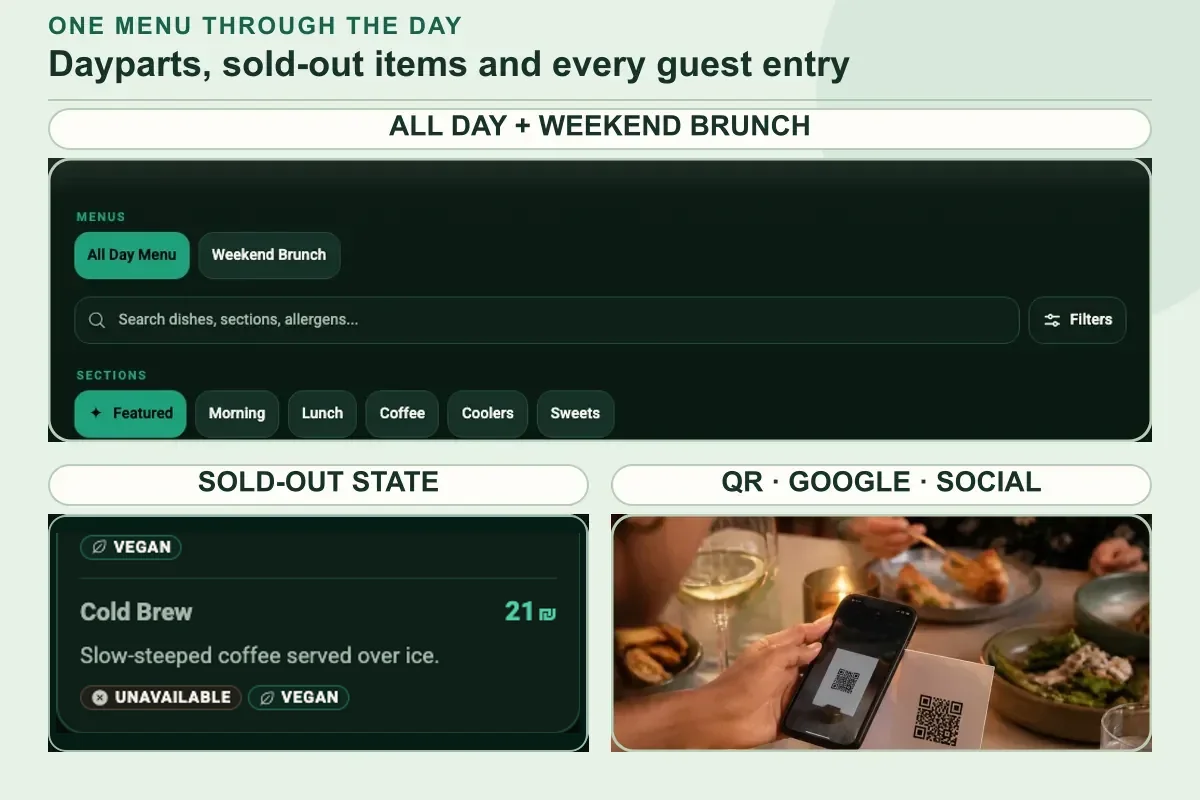
One guest menuThe menu follows the counter
The current daypart and availability live behind one stable destination.
- Morning and lunch are clear sections
- Sold-out items show the current state
- Google, social and QR share one menu
A clear menu lets guests check your published dishes, prices and availability.
Build my café menu→- 01
Show the right daypart
Make Morning, Lunch, Bakery and Coffee easy to scan in one guest menu.
- 02
Update before the next guest
Edit availability, prices or schedules in Menu Studio. Review and publish.
- 03
Keep every entrance current
Publish to the same menu link. Add it to your Google Business Profile and other channels.
A clear menu lets guests check your published dishes, prices and availability.
FreeFreePublish, edit and share your menu for free.
Pro₪99 / monthAI tools for your menu and guests. Tax included. Per workspace billing month.
5 AI menu tasks · 20 AI image tasks · Usage details
01Choose what is current
Set the real morning or lunch lineup from your source menu.
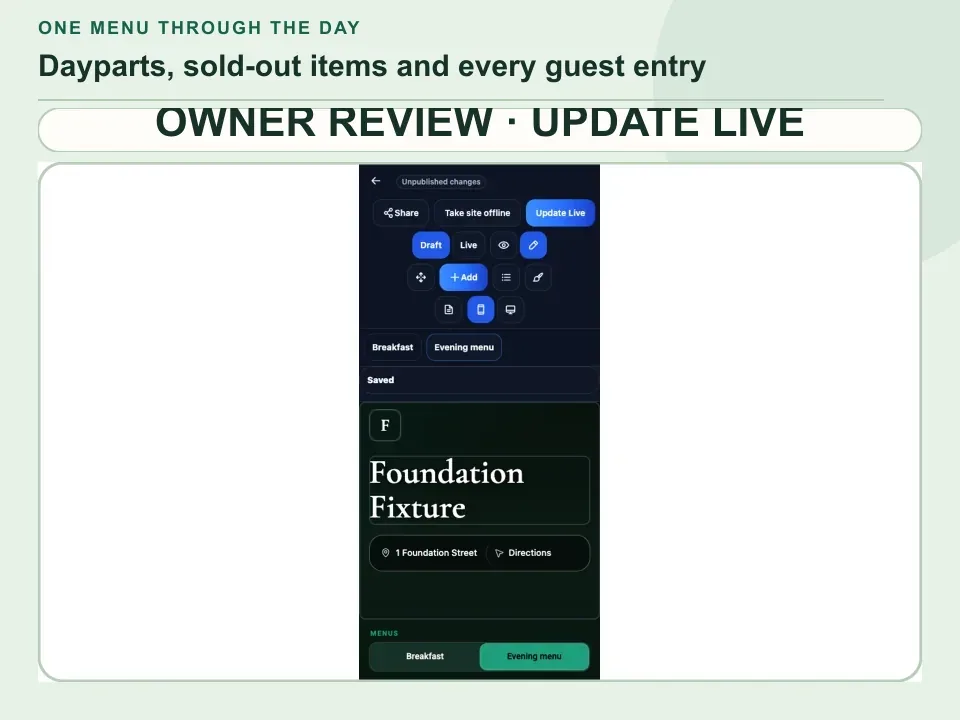
02Check the guest view
Review timing, prices and availability before publishing.
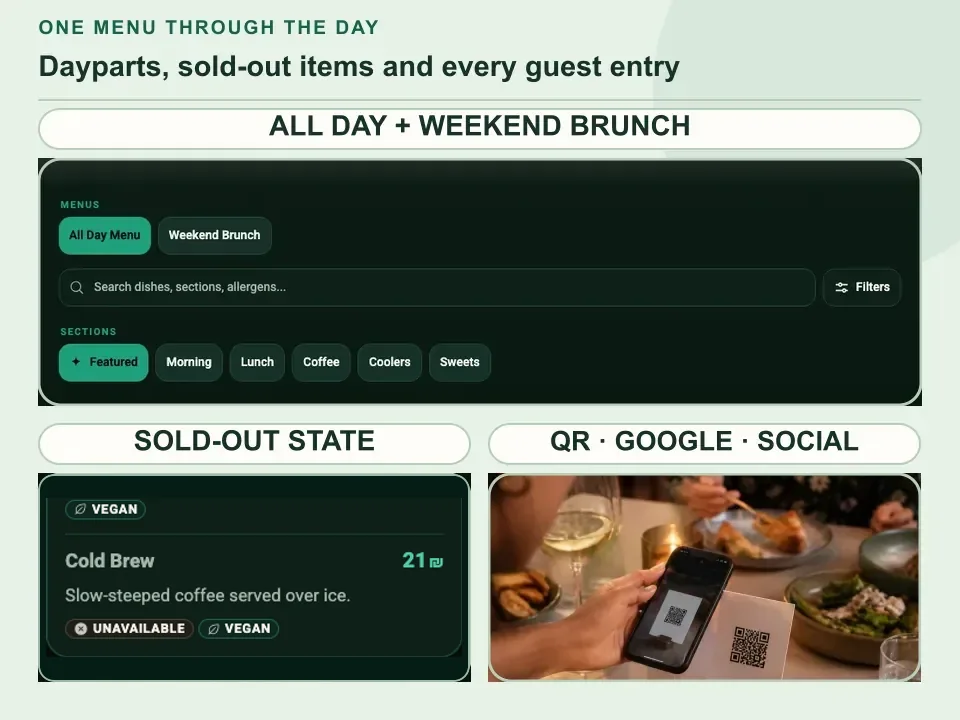
03Serve the next daypart
Keep the same QR and link as the menu changes.
Café and bakery questions
Built for the pace of the counter.
The public menu can change with the counter without turning into another feed to maintain.
Can one menu handle dayparts?
Yes. Keep clear Morning, Lunch, Bakery and Coffee sections in one menu, then publish the current timing and availability without changing the link.
What if a pastry sells out?
Mark the pastry unavailable in Menu Studio. Review and publish; the QR and menu link stay the same.
Will Google and our QR stay current?
Your QR keeps opening the published menu. Add the same menu link to your Google Business Profile; this does not sync separate Google menu data.
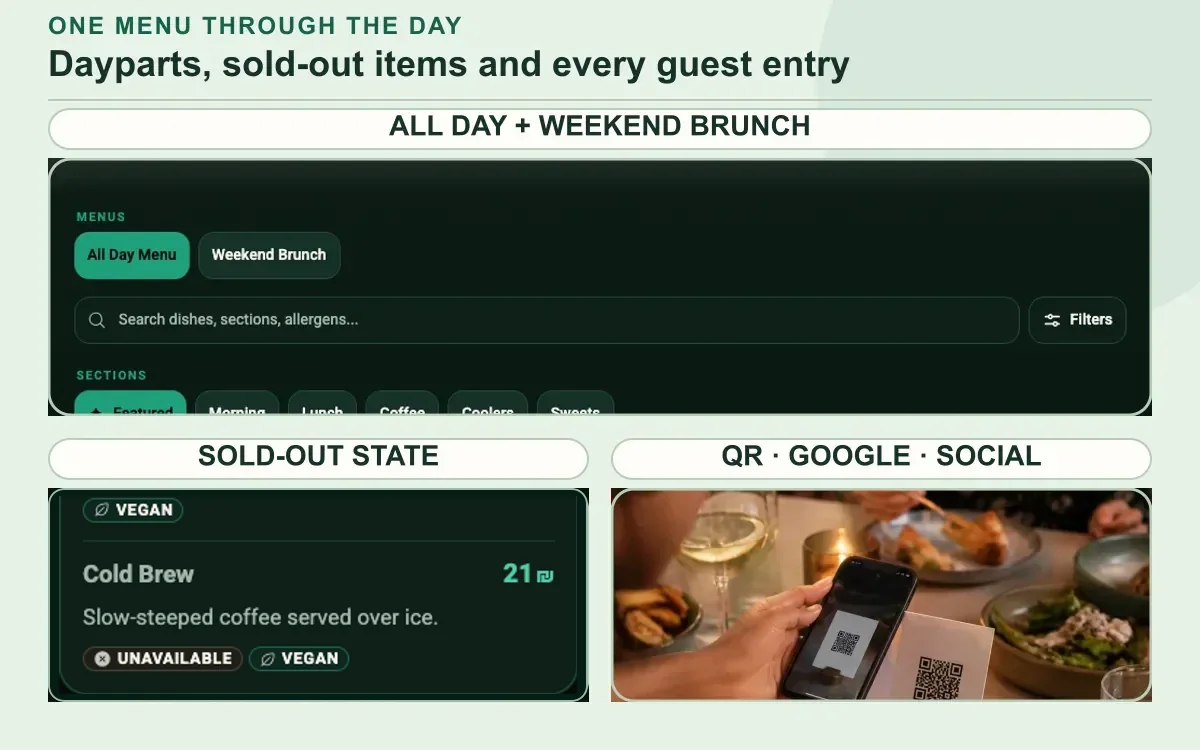
A menu that changes with the day
Make every daypart easy to find.
Bring the counter menu you use now. Keep morning, lunch and sold-out changes behind one approved guest link.
Build my café menu→Need a hand?Free to start · Pro ₪99 per workspace billing month · tax included


