Brewpub food and drinks menu management
Keep food and pours current.
Keep kitchen dishes, rotating pours, prices and availability together in one mobile menu—then update the lineup without rebuilding every guest link.
- Food and pours in one menu
- Quick edits. Same QR.
- Put your menu on Google.
Start from your kitchen menu and tap list. You approve every change.
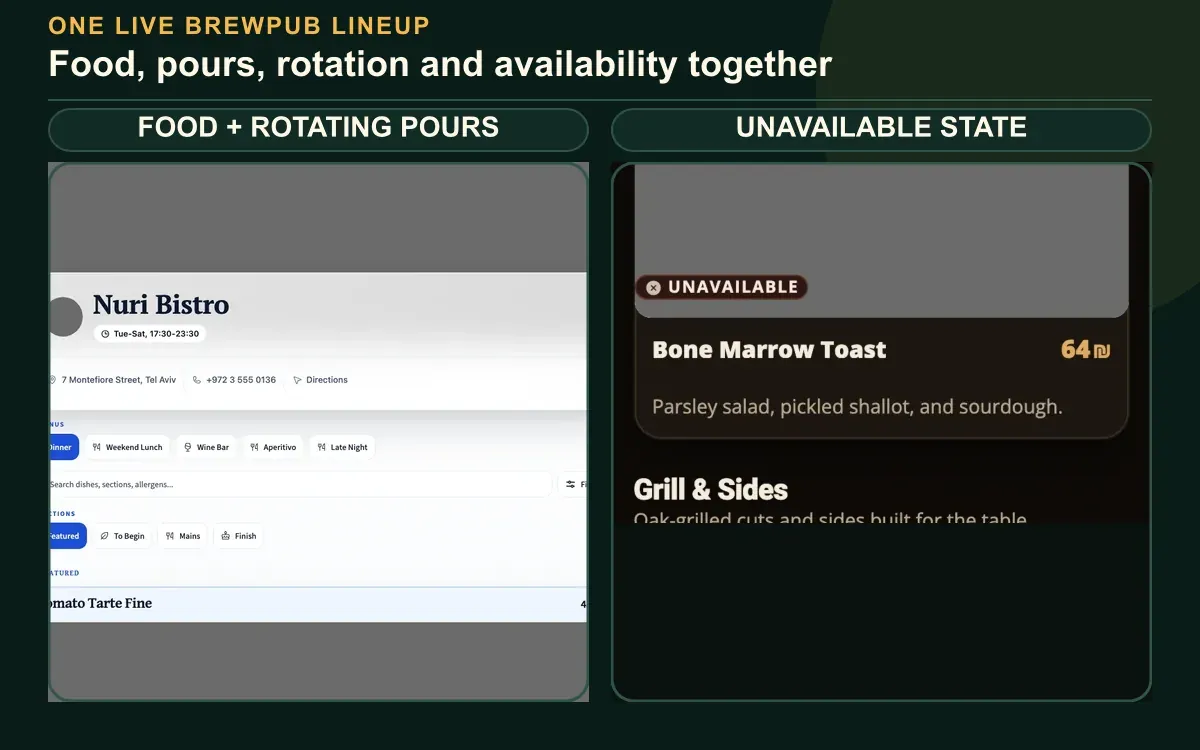
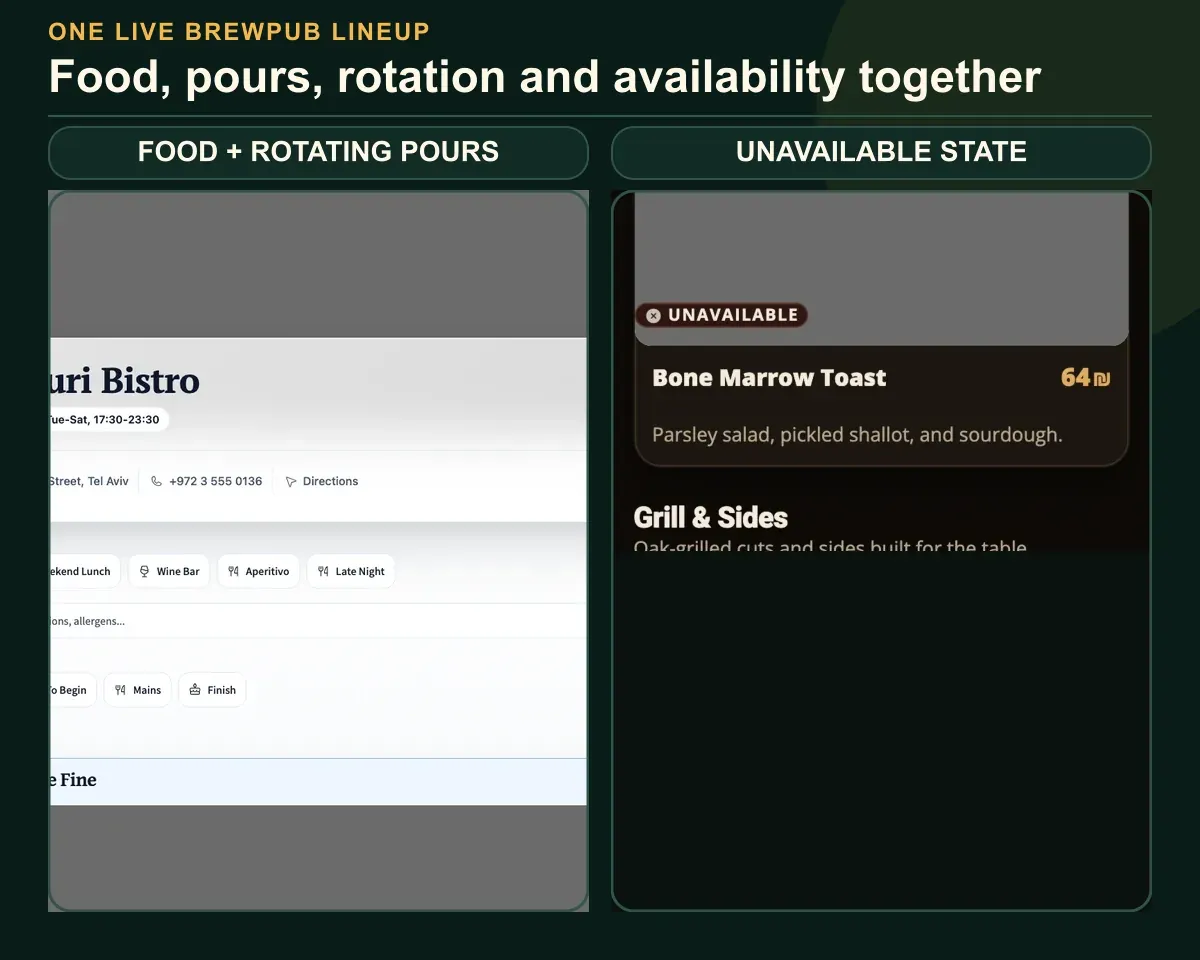 Fictional restaurants · MenuAsk demosOne visible brewpub lineupFood tabs · drink tabs · unavailable state
your-restaurant.menuask.com- 01
Unify the lineup
Bring food, drinks, prices and availability into one clear mobile menu.
- 02
Rotate without friction
Edit your lineup in Menu Studio between services. Review and publish.
- 03
Stay current where guests search
Add your MenuAsk link to your Google Business Profile.
Food and drinks stay together at one link you can share wherever guests look.
Two public sourcesThe bar and kitchen drift apart
Separate sources make the guest assemble the experience.
- The tap board changes before the website
- Food lives in another PDF or QR
- Google keeps the last published version
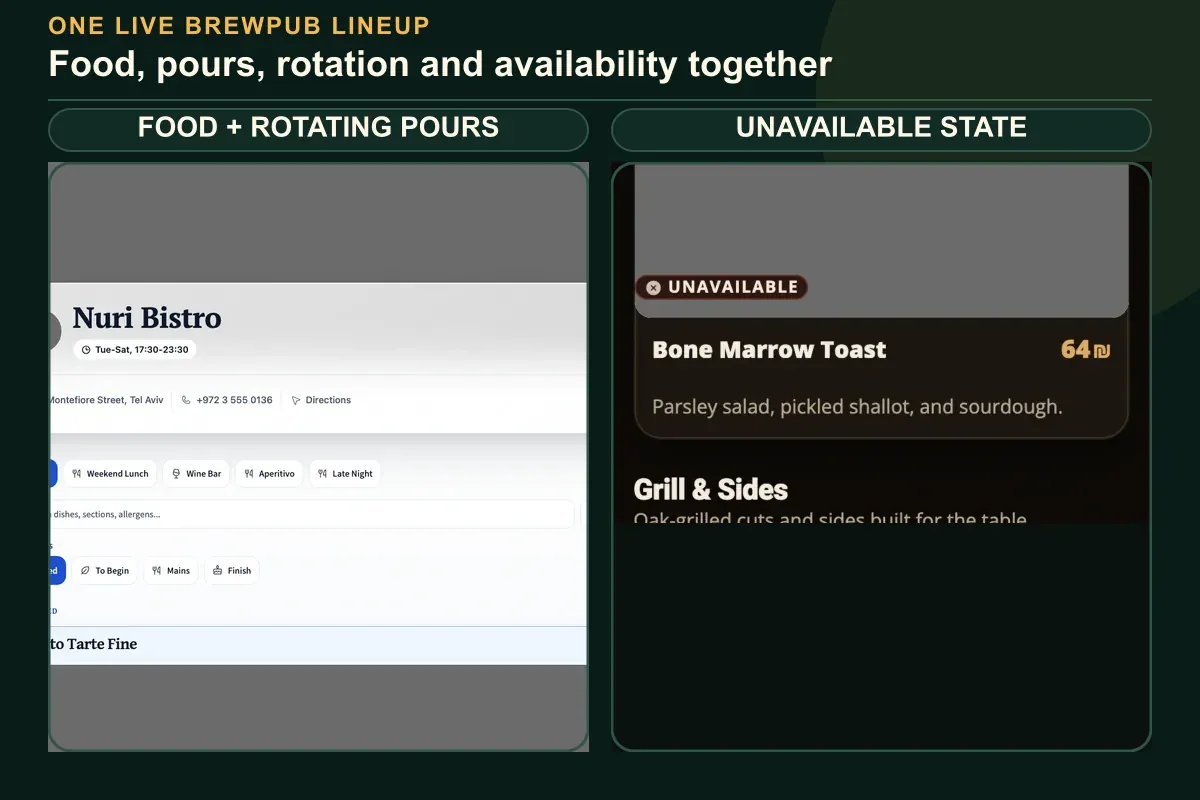
One live lineupGuests see the whole brewpub
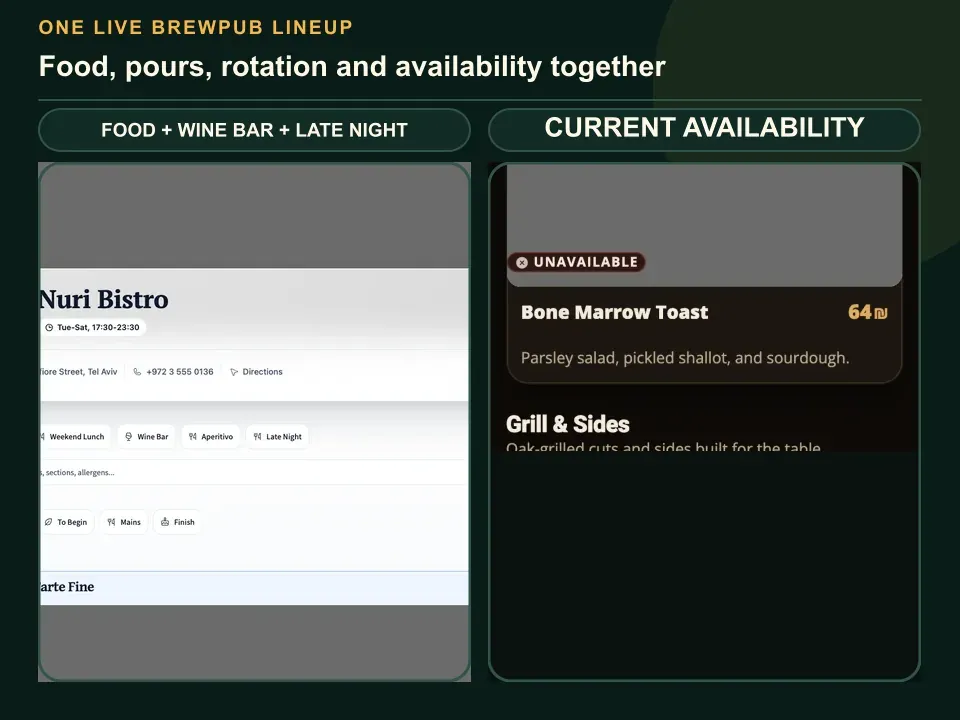
Food and pours become one current choice on the guest’s phone.
- One place for kitchen and bar changes
- Current availability before guests order
- The same link on Google and every QR
01Change one item
Edit the pour, dish, price or availability in Menu Studio.
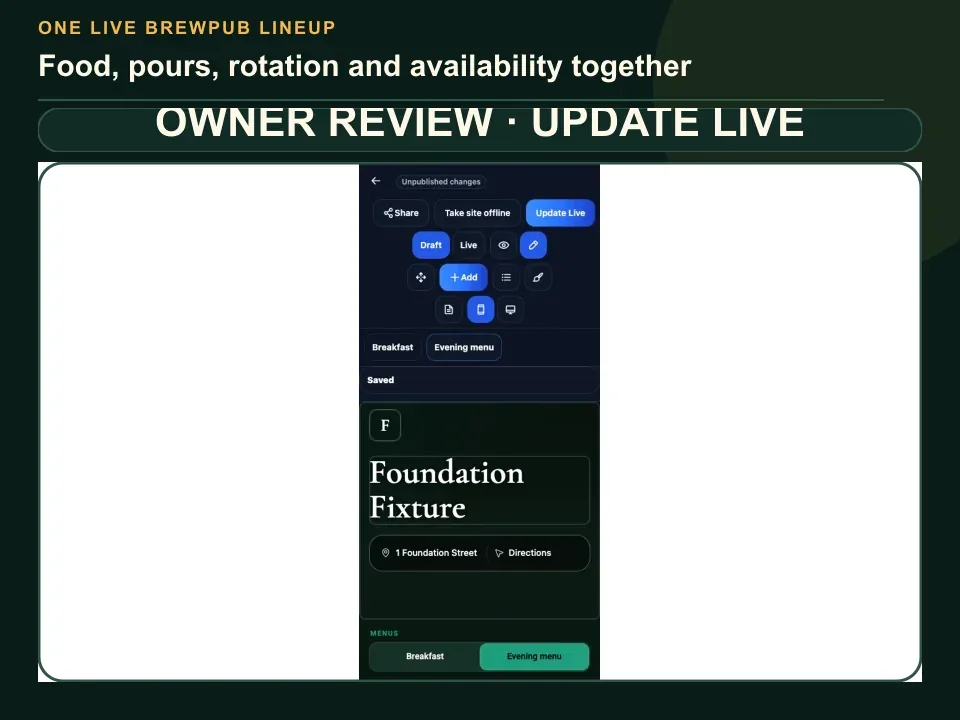
02Approve the lineup
Check the full food-and-drink view before publishing.
03Reach the next guest
Publish the reviewed lineup at the same menu link.
FreeFreePublish, edit and share your menu for free.
Pro₪99 / monthAI tools for your menu and guests. Tax included. Per workspace billing month.
5 AI menu tasks · 20 AI image tasks · Usage details
Can food and taps share one menu?
Yes. Food sections, rotating pours, prices and availability can live in the same mobile guest menu instead of separate public sources.
What happens when a pour rotates?
Edit the pour in Menu Studio, review the lineup, and publish. Your menu link and QR stay the same.
Does this replace our POS or inventory?
No. You manage the guest menu in Menu Studio. It does not track POS sales or keg inventory.
Food and pours, together
Give guests one current lineup.
Bring the food menu and tap list you use now. You approve the combined guest view before it goes live.
Keep food and pours current→Need a hand?Free to start · Pro ₪99 per workspace billing month · tax included


