Get found where guests look.
Add your menu link to your Google Business Profile, Instagram and WhatsApp. Guests can see what you serve, call you and get directions from one page.
We turn a photo or PDF of your menu into a website with a mobile-friendly digital menu.

Find your restaurant, then add your menu.
No sign-up to start · No card needed · Review before publishing
Get found where guests look
Give guests a mobile-friendly menu with dishes, prices and photos. They can open it from a link or QR code, without downloading an app.
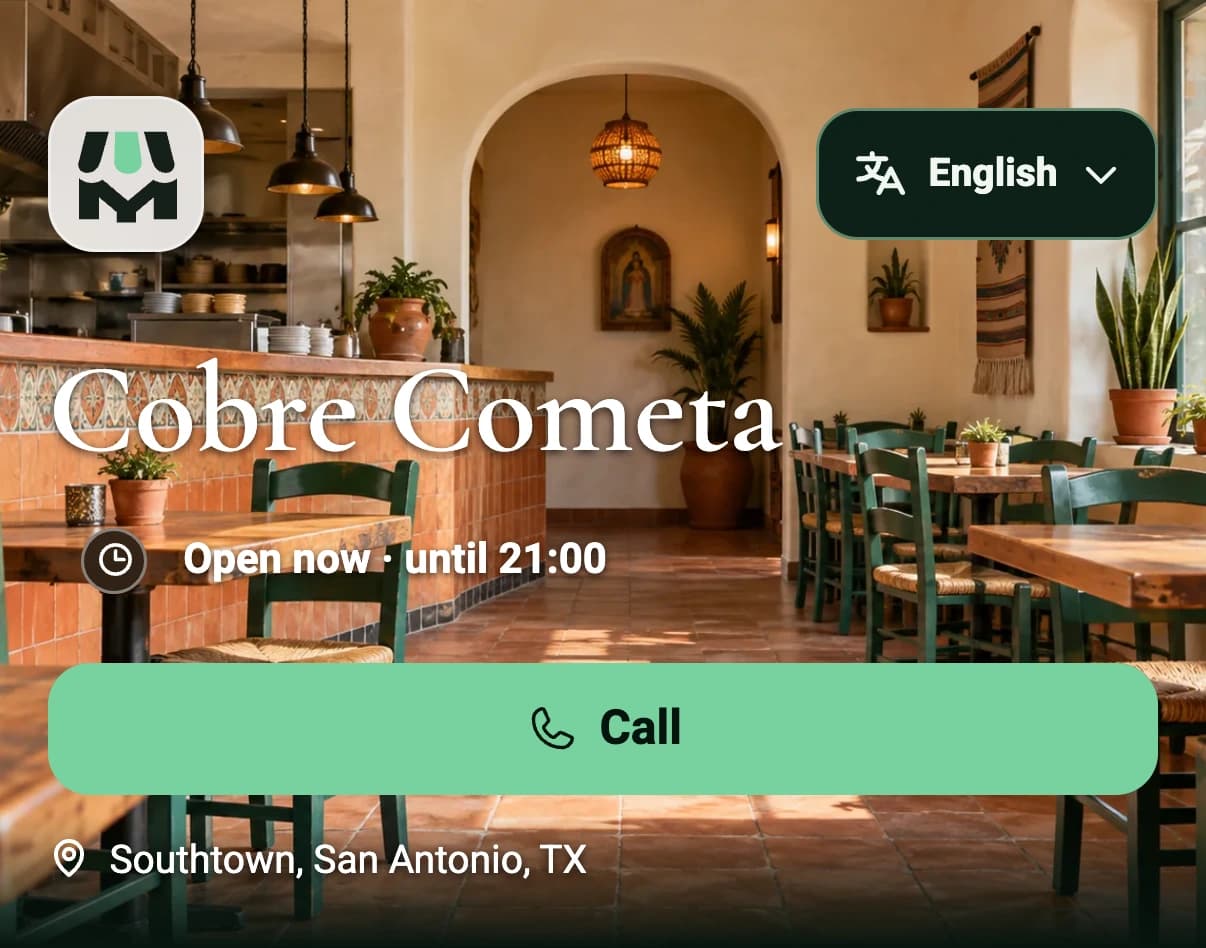
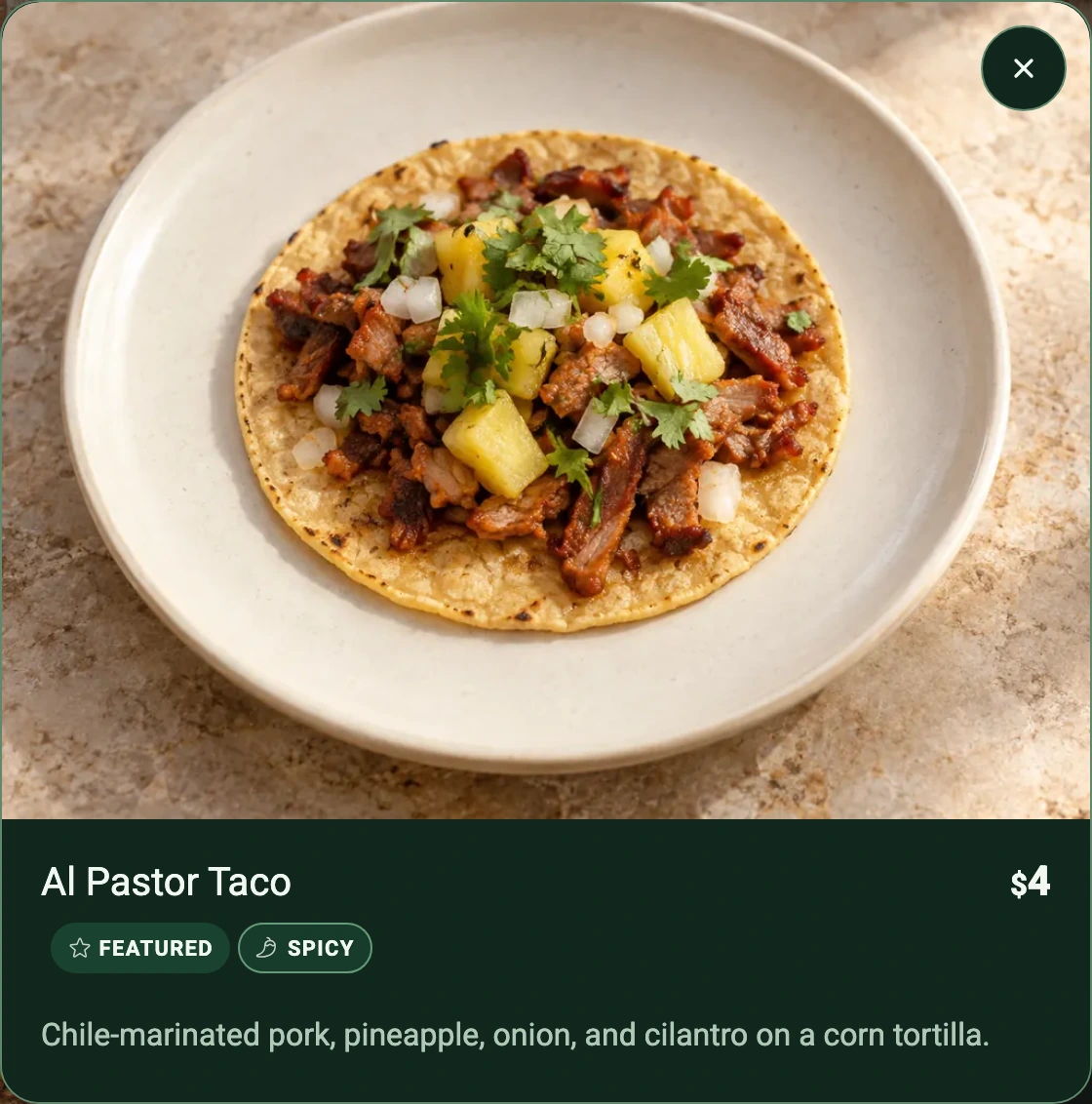
Keep your website and printed menus. Add one current menu link.
Languages
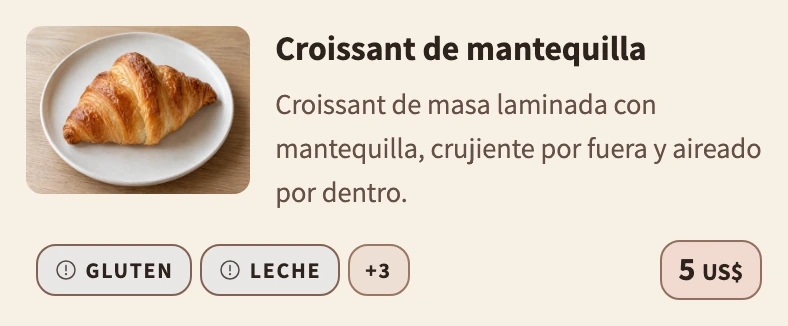
Help guests read your menu in their language. Standard and Pro prepare translation drafts; you review and publish them.
Try the language switch in the demo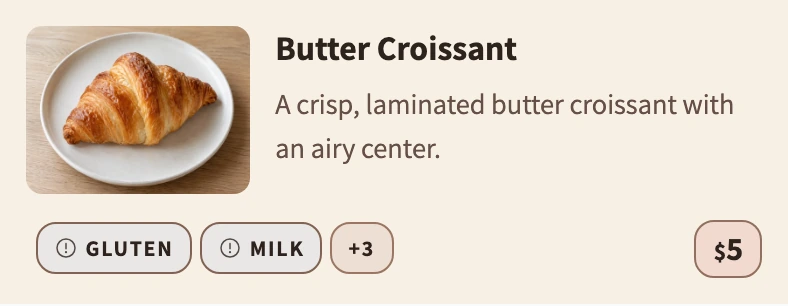
Simple from the start
Use menu photos or one PDF.
Check the dishes and prices before anything goes live.
Use one link and QR. Publish updates when ready.
Free, Standard and Pro
Publish and update for free. Standard adds reviewed translations and your own domain; Pro adds scheduled specials and covers up to five restaurants.
Compare digital menu plans and pricingPrepare your first menu, review it and publish free. Keep it current yourself.
More languages and separate menus for one restaurant, with your own domain.
Import additional menus and create dish images with AI, with shared allowances across your restaurants.
Prices in US dollars (USD)
Questions
Yes. Publishing, manual updates, your public link, a QR code and Basic Insights are free. You only pay after choosing a paid plan and confirming your purchase.
Yes. Add your current MenuAsk link to the places guests already look, and keep your existing website and printed menus.
Supported menu languages: Hebrew, English, Arabic, Russian, Spanish, Brazilian Portuguese, Japanese, German, Simplified Chinese, and French.
Verified venues can have search-readable published menu pages. Search engines decide whether and when to index or show them. MenuAsk cannot guarantee rankings, traffic or AI search placement.
No. Imported and AI-assisted content stays private until you review and publish it.
After publishing, copy your MenuAsk menu link and add it to your Google Business Profile. When you publish an update in MenuAsk, the same link opens the updated menu. Adding the link does not automatically update individual dishes and prices in Google's menu editor.
Start with the menu you already have. Review, publish and share it.
Prepare your first menu, review it and publish free. Keep it current yourself.
More languages and separate menus for one restaurant, with your own domain.
US$12.90 / monthImport additional menus and create dish images with AI, with shared allowances across your restaurants.
US$29.90 / monthPrices in US dollars (USD)