Seasonal restaurant menu updates
Keep every season current.
Keep one seasonal menu behind your link and QR. Edit in Menu Studio, review, and publish when ready.
- Quick edits. Same QR.
- Put your menu on Google.
- One menu, one link, the same QR
Start from menu photos or a PDF. You approve everything before it goes live.

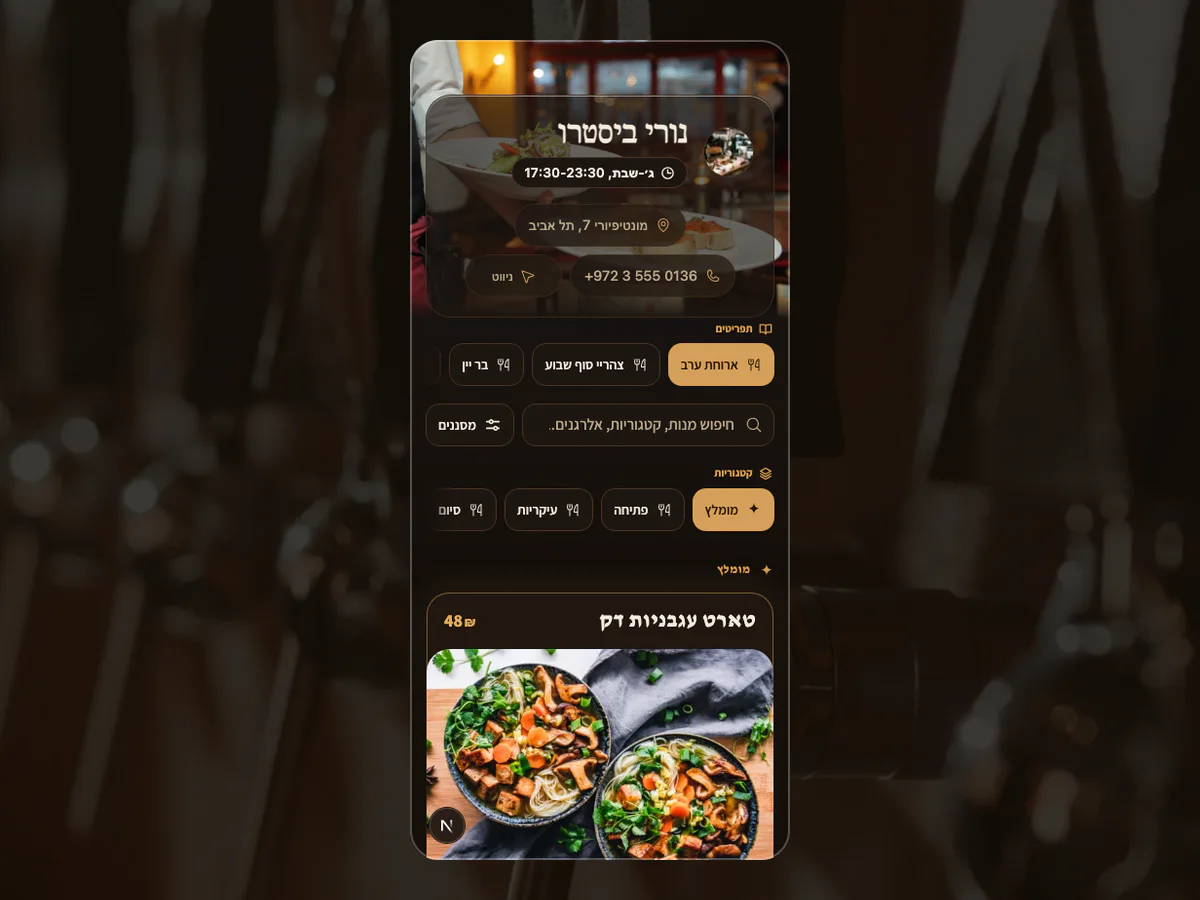 Fictional restaurant · MenuAsk demoThe approved seasonal updateOwner review → current live menu
your-restaurant.menuask.com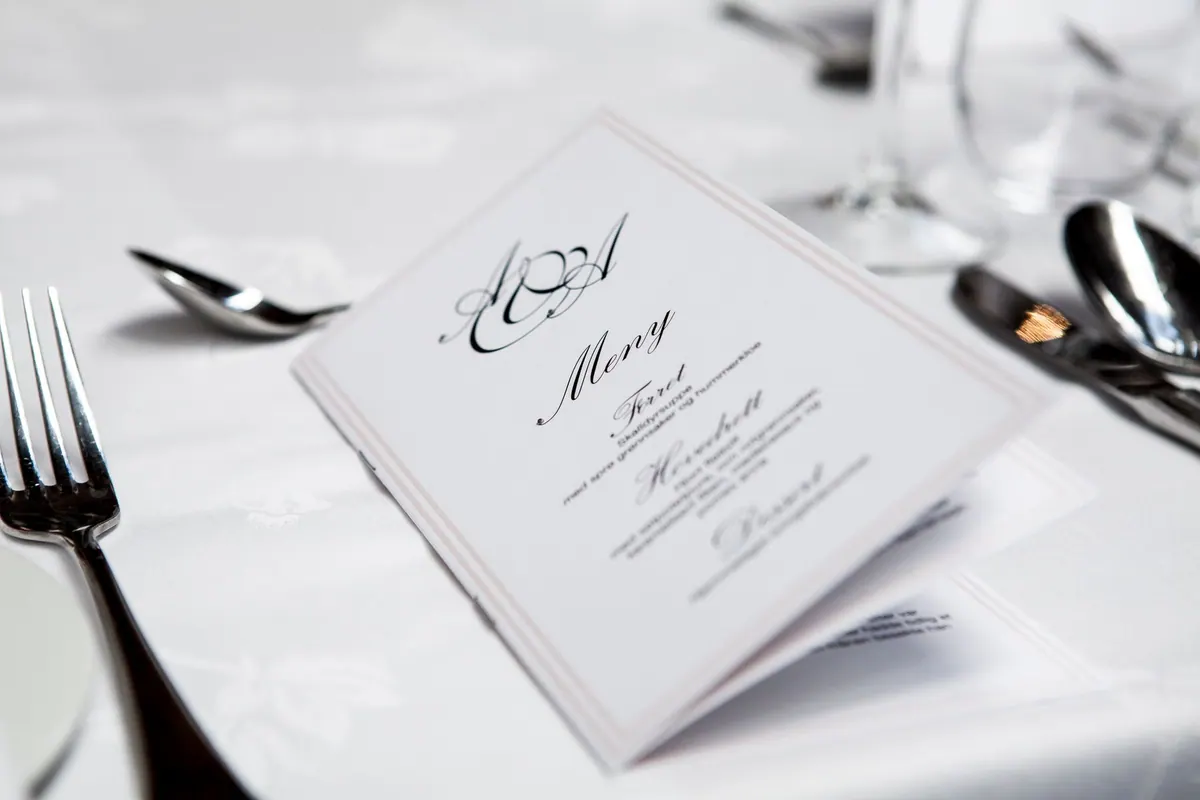
Scattered versionsGuests find the wrong season
Every seasonal change creates another version to chase.
- An older price still appears on Google
- The website links to last season’s PDF
- A table QR opens another menu
With MenuAskOne current destination
Guests reach the version you approved, wherever they start.
- One current menu at every entry point
- Put your menu on Google.
- The same public link and table QR
Built for a menu that moves
Update the menu, not the internet.
Share one menu link on your website, social profiles and Google Business Profile.
- 01
Update from anywhere
Change dishes, prices or availability in Menu Studio. Review and publish.
- 02
Approve one version
Check the full menu in one private review before anyone else sees it.
- 03
Reach every guest channel
Keep the same link and QR across Google, social, your website and every table.
Add your MenuAsk link to your Google Business Profile. No separate menu file to maintain.
A controlled seasonal update
From kitchen change to guest truth.
The source, owner review and live guest menu stay connected.
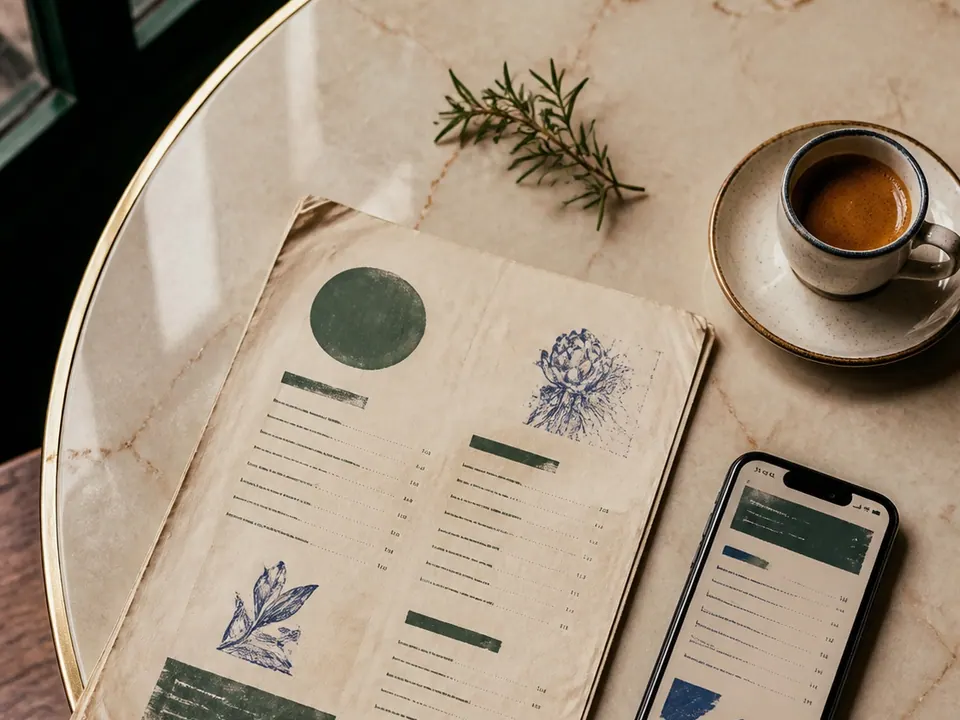
01Bring the source
Add clear menu photos or a PDF.
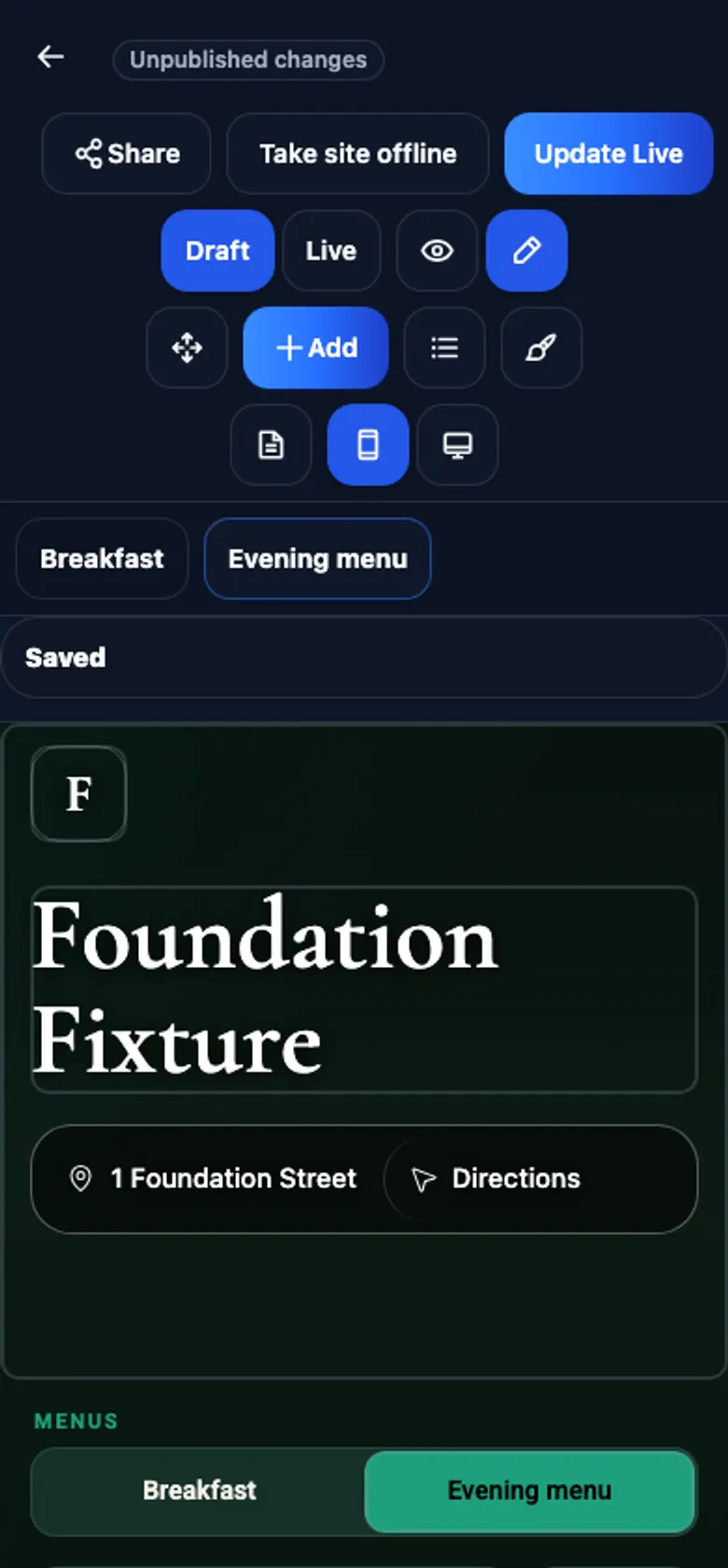
02Review the next season
Check dishes, prices, timing and availability in private.
03Publish and share
Publish your reviewed menu. Guests opening its link or QR see the current version.
FreeFreePublish, edit and share your menu for free.
ProUS$33 / monthAI tools for your menu and guests. Applicable tax added at checkout. Per workspace billing month.
5 AI menu tasks · 20 AI image tasks · Usage details
Do I need a new QR every season?
No. Guests keep opening the same MenuAsk link and table QR while you publish the next approved seasonal version.
How do I change a dish or price?
Edit dishes or prices in Menu Studio. Review the changes and publish when ready.
How does the current version reach Google?
Add your MenuAsk link to your Google Business Profile. Guests opening that link see your published menu; Google controls its own listings.
One current seasonal menu
Make the next menu the easy one.
Start from the menu guests see today. You approve every seasonal change before it goes live.
Keep my seasonal menu current→Need a hand?Free to start · Pro US$33 per workspace billing month · plus applicable tax


